
Find the friction
Repeated work and lost handoffs.
Business automation
Turn recurring work around leads, clients, email, documents and reporting into dependable workflows.
What we build
Capture enquiries, qualify information, update the CRM and assign the next action.
Move approved data, generate documents and schedule follow-up.
Add rules, alerts and reporting so exceptions remain visible.
How we work
We map the people, tools, decisions and exceptions first, then build what improves the operation.
Repeated work and lost handoffs.
Triggers, owners and fallbacks.
Systems, data and safeguards.
Failures, training and handover.
Workflow examples
Three clear examples per row. Click any 16:9 visual to enlarge it, then use arrows or keyboard navigation.
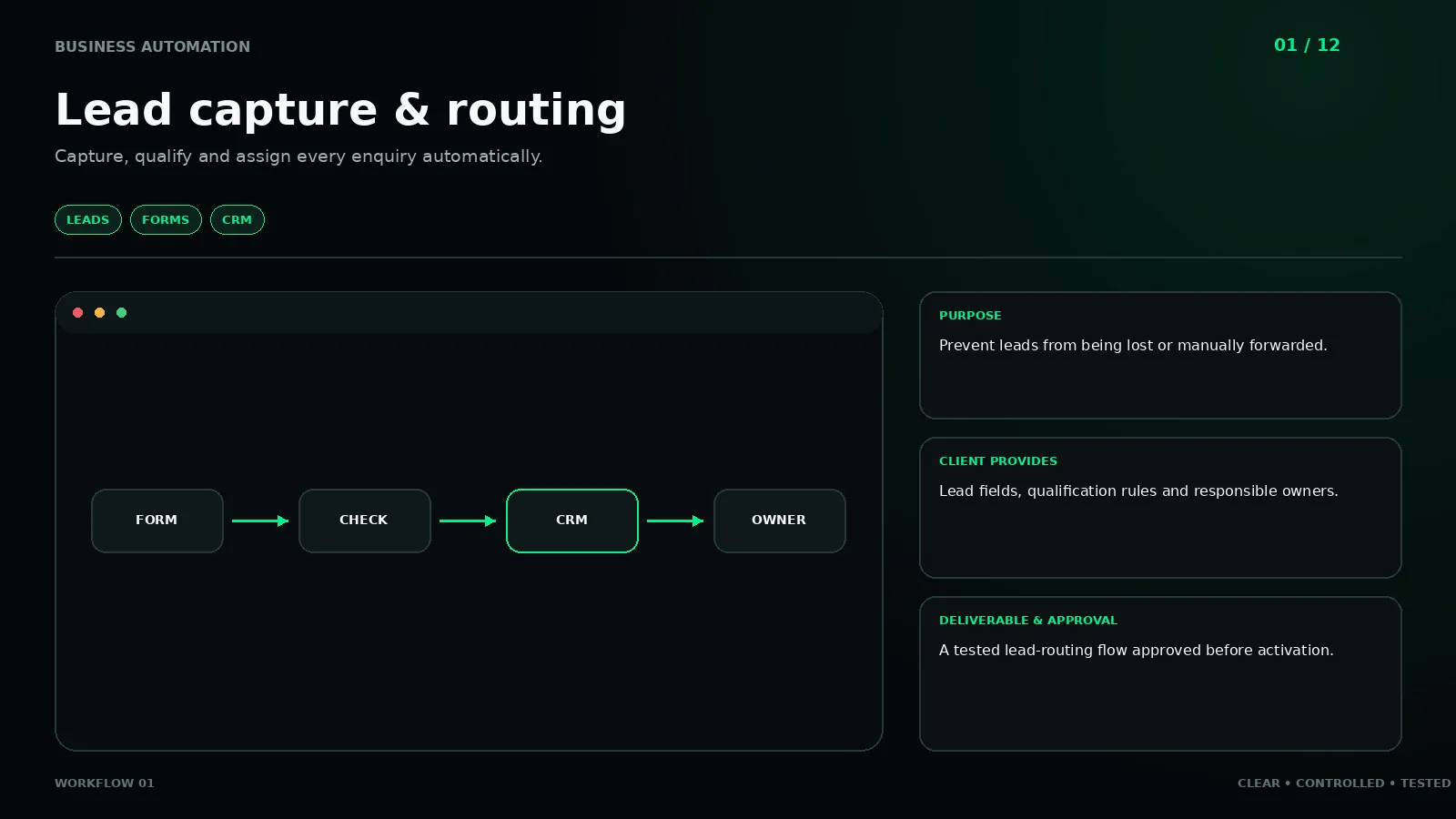
Capture, qualify and assign every enquiry automatically.
LEADS · FORMS · CRMClick to enlarge ↗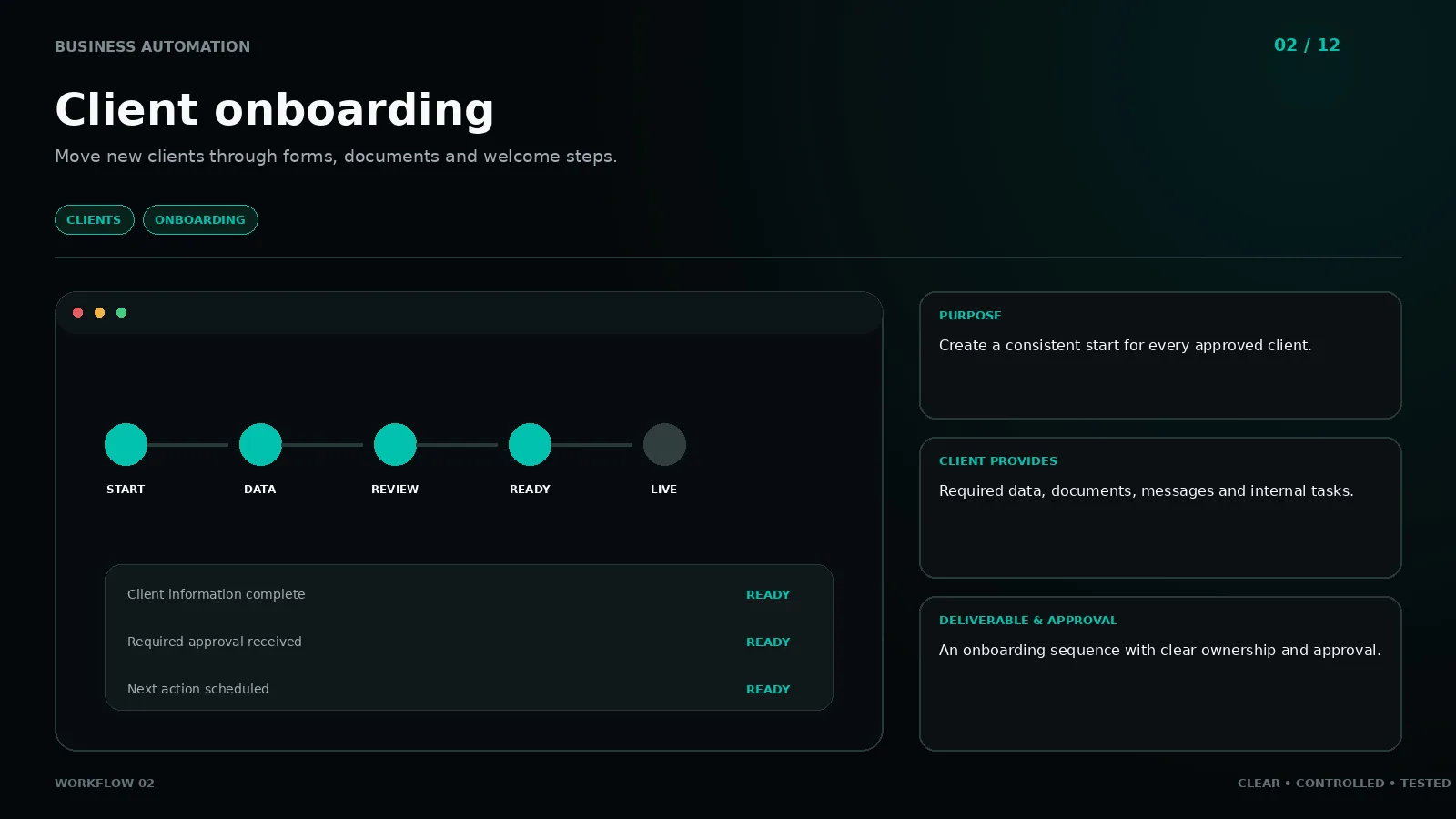
Move new clients through forms, documents and welcome steps.
CLIENTS · ONBOARDINGClick to enlarge ↗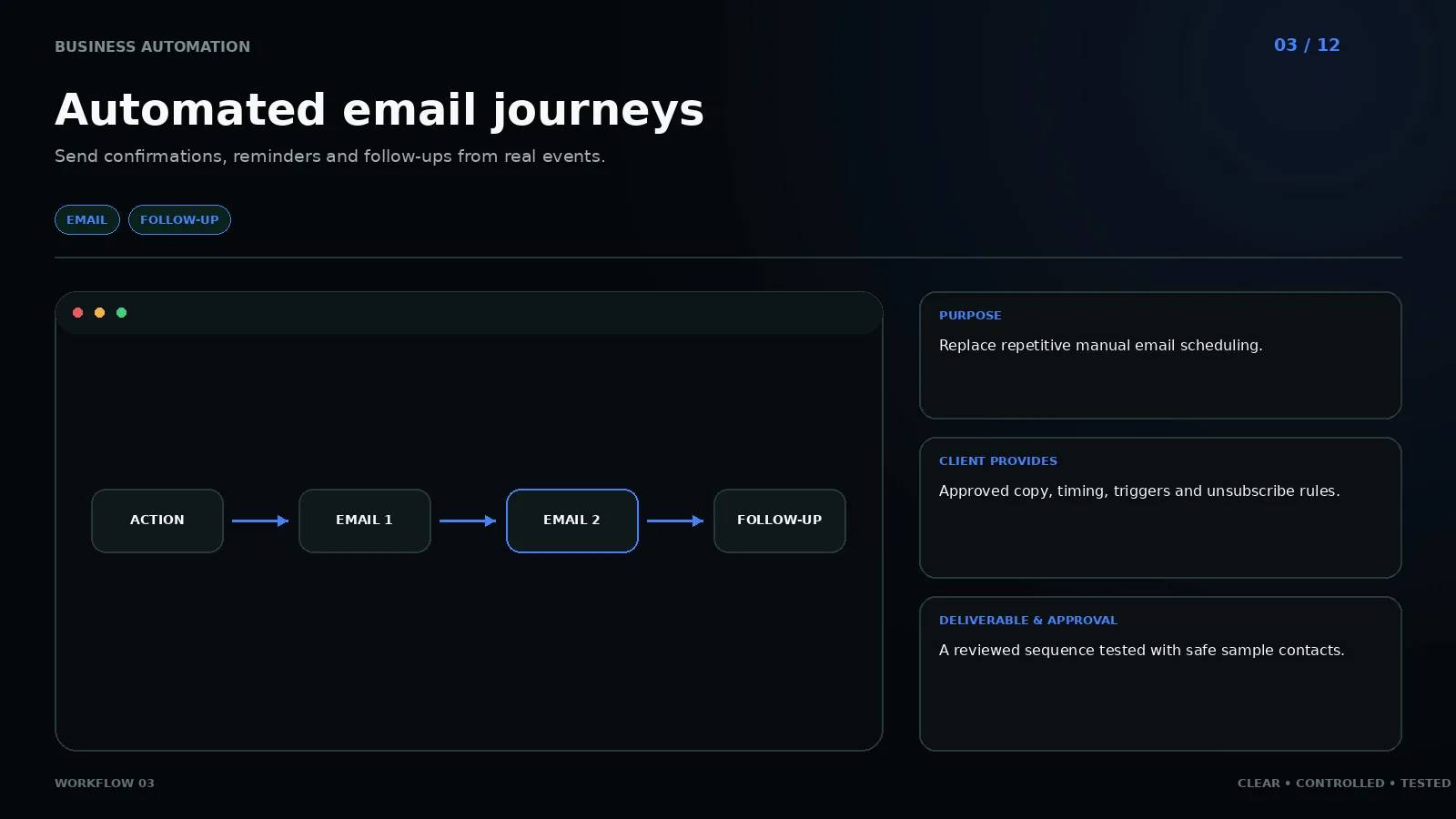
Send confirmations, reminders and follow-ups from real events.
EMAIL · FOLLOW-UPClick to enlarge ↗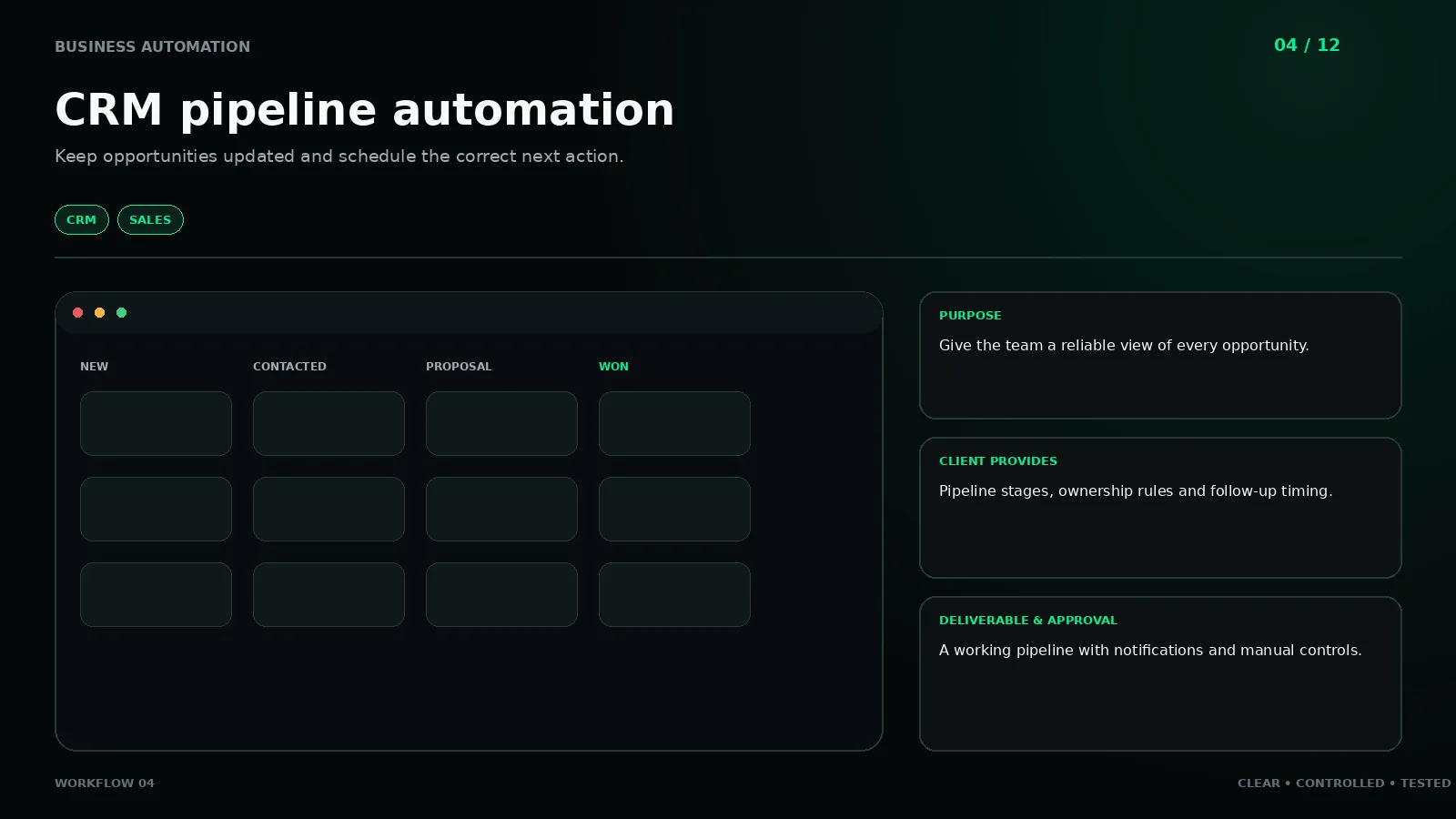
Keep opportunities updated and schedule the correct next action.
CRM · SALESClick to enlarge ↗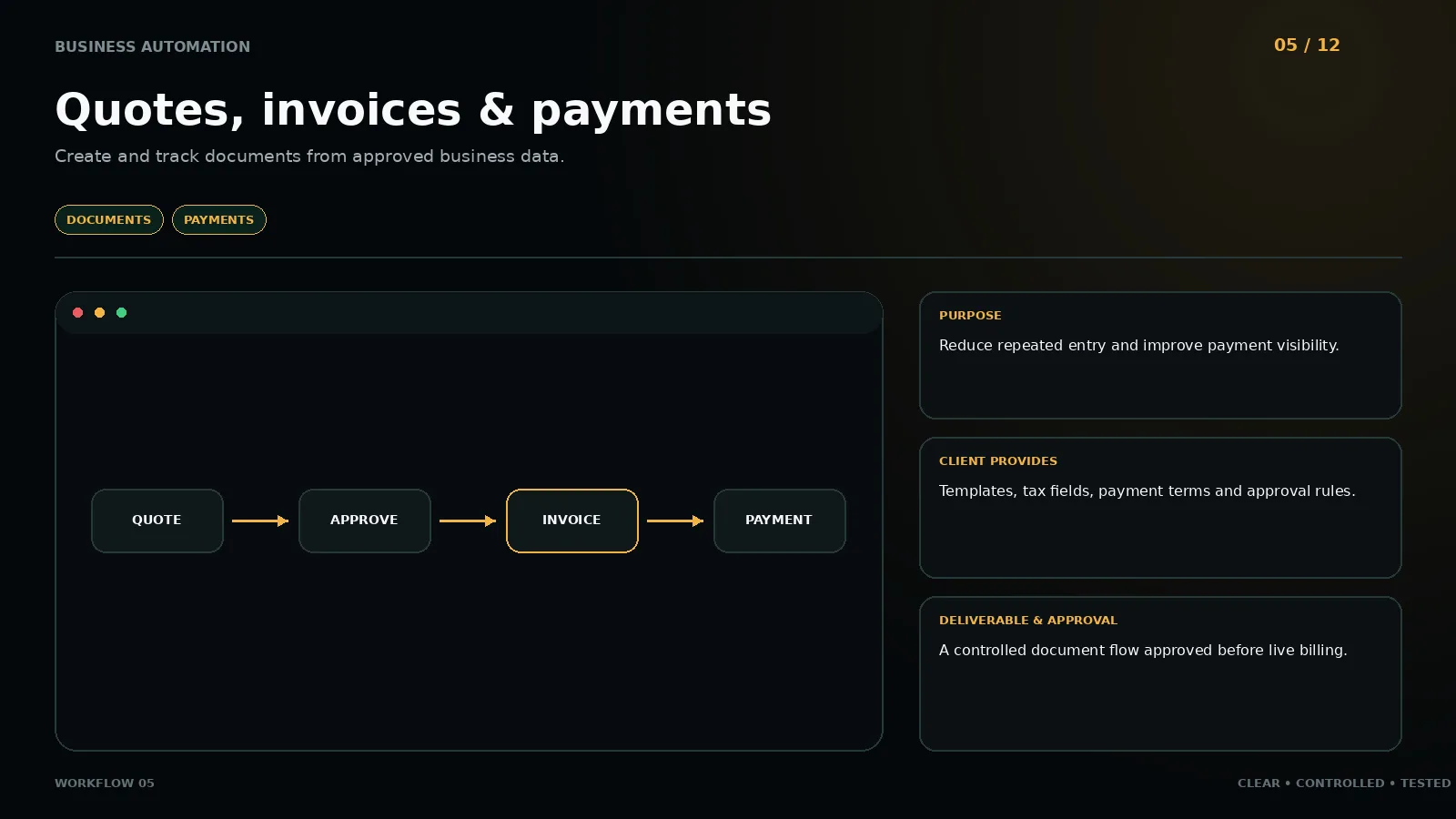
Create and track documents from approved business data.
DOCUMENTS · PAYMENTSClick to enlarge ↗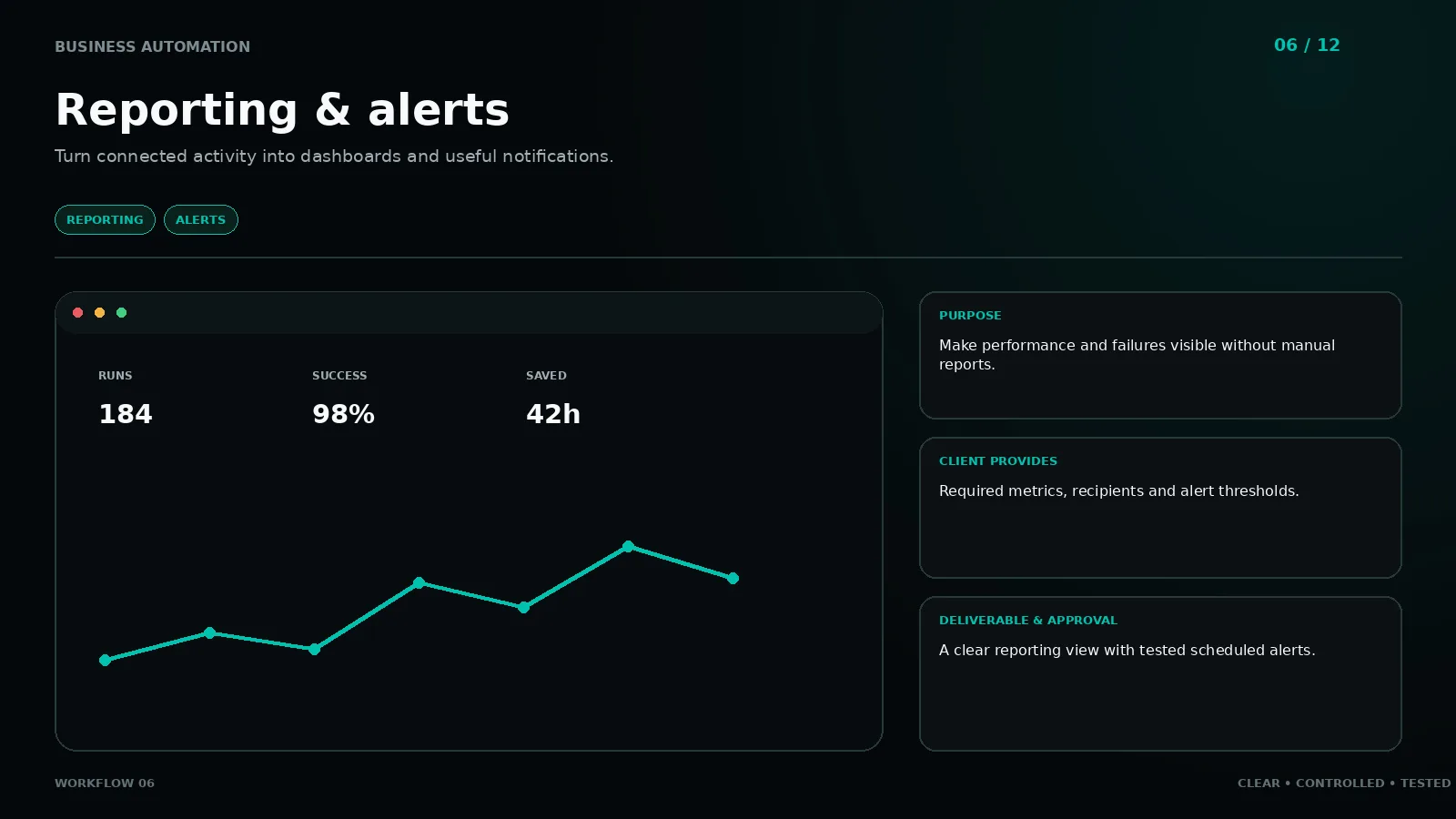
Turn connected activity into dashboards and useful notifications.
REPORTING · ALERTSClick to enlarge ↗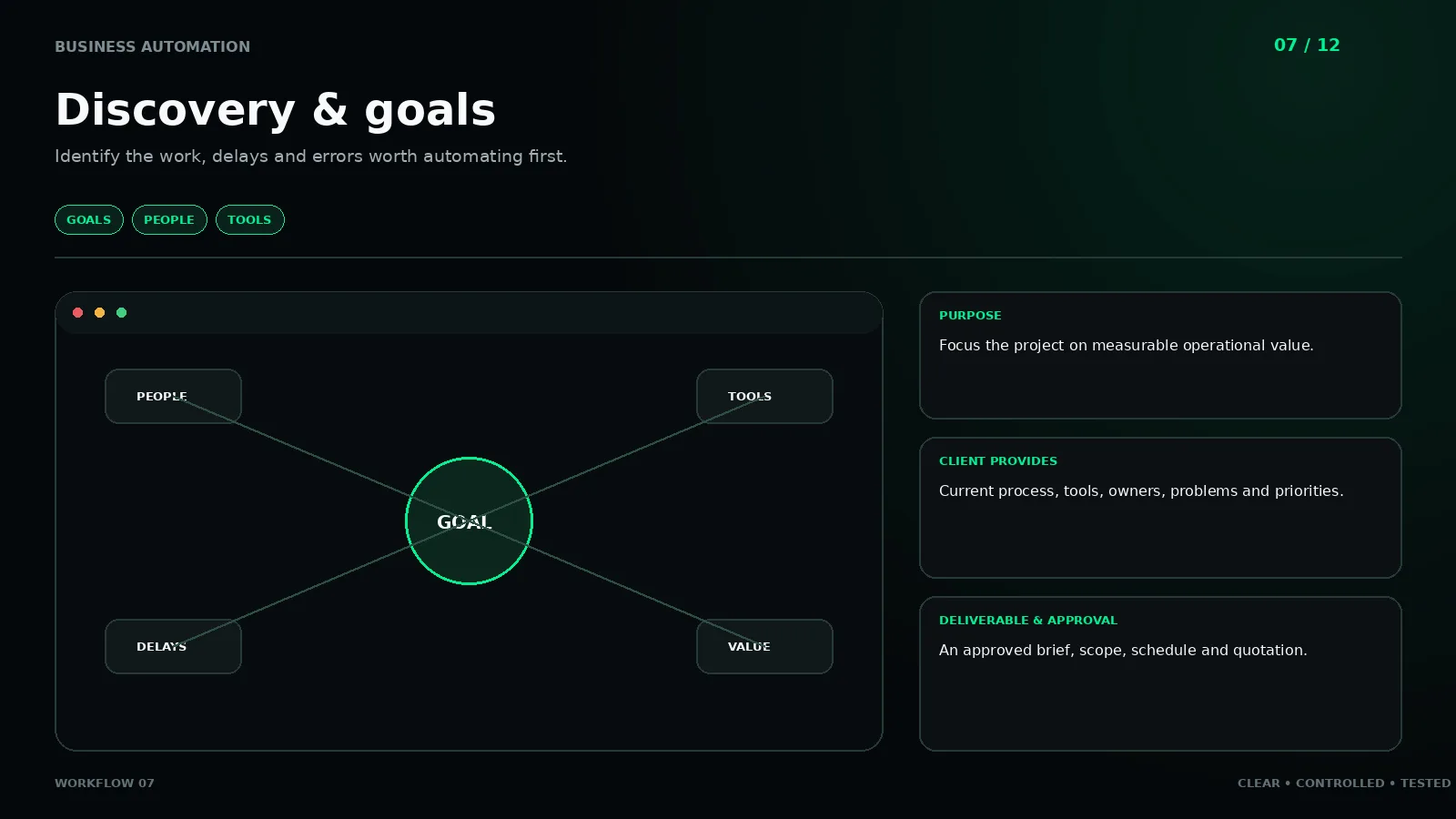
Identify the work, delays and errors worth automating first.
GOALS · PEOPLE · TOOLSClick to enlarge ↗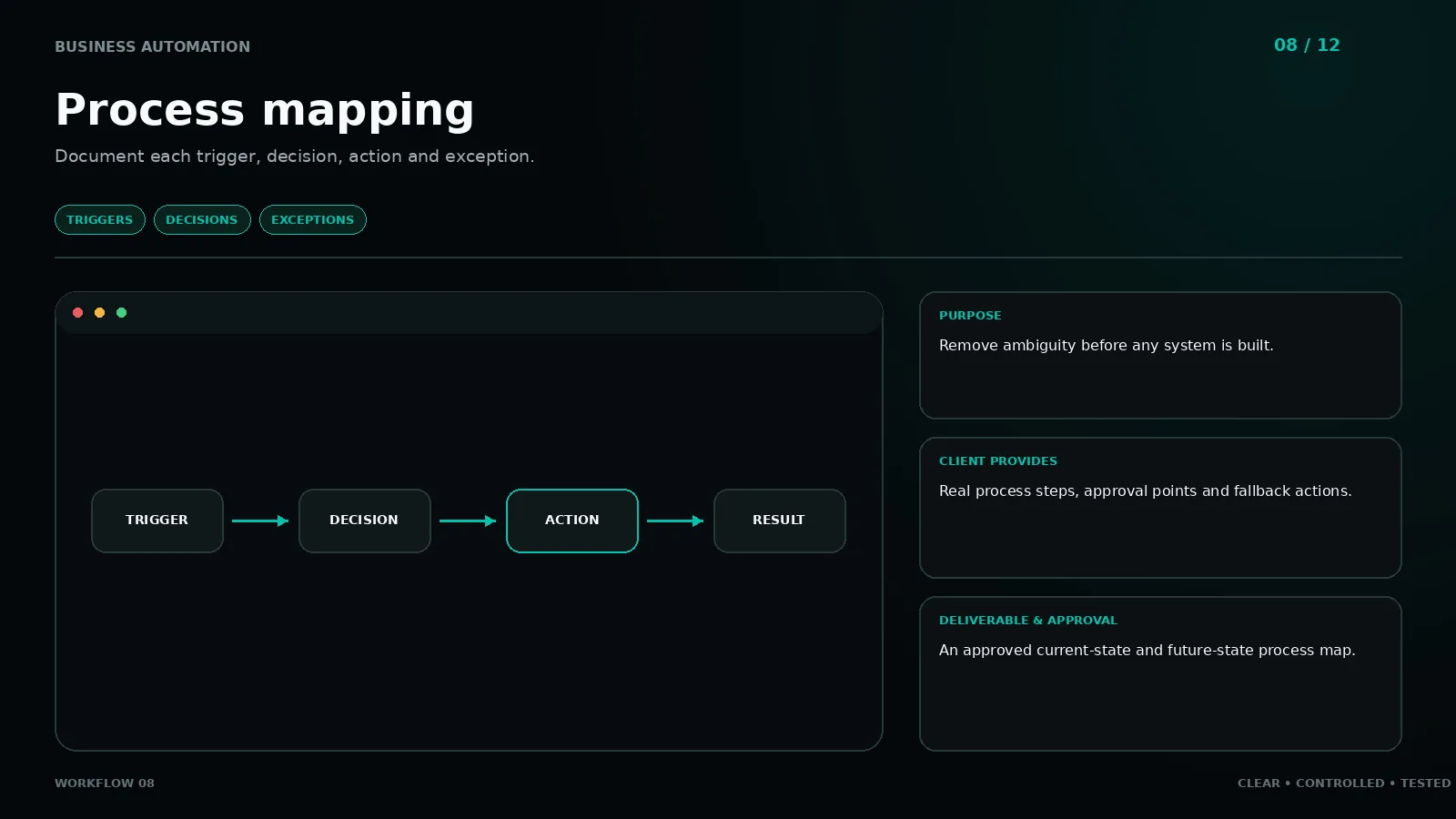
Document each trigger, decision, action and exception.
TRIGGERS · DECISIONS · EXCEPTIONSClick to enlarge ↗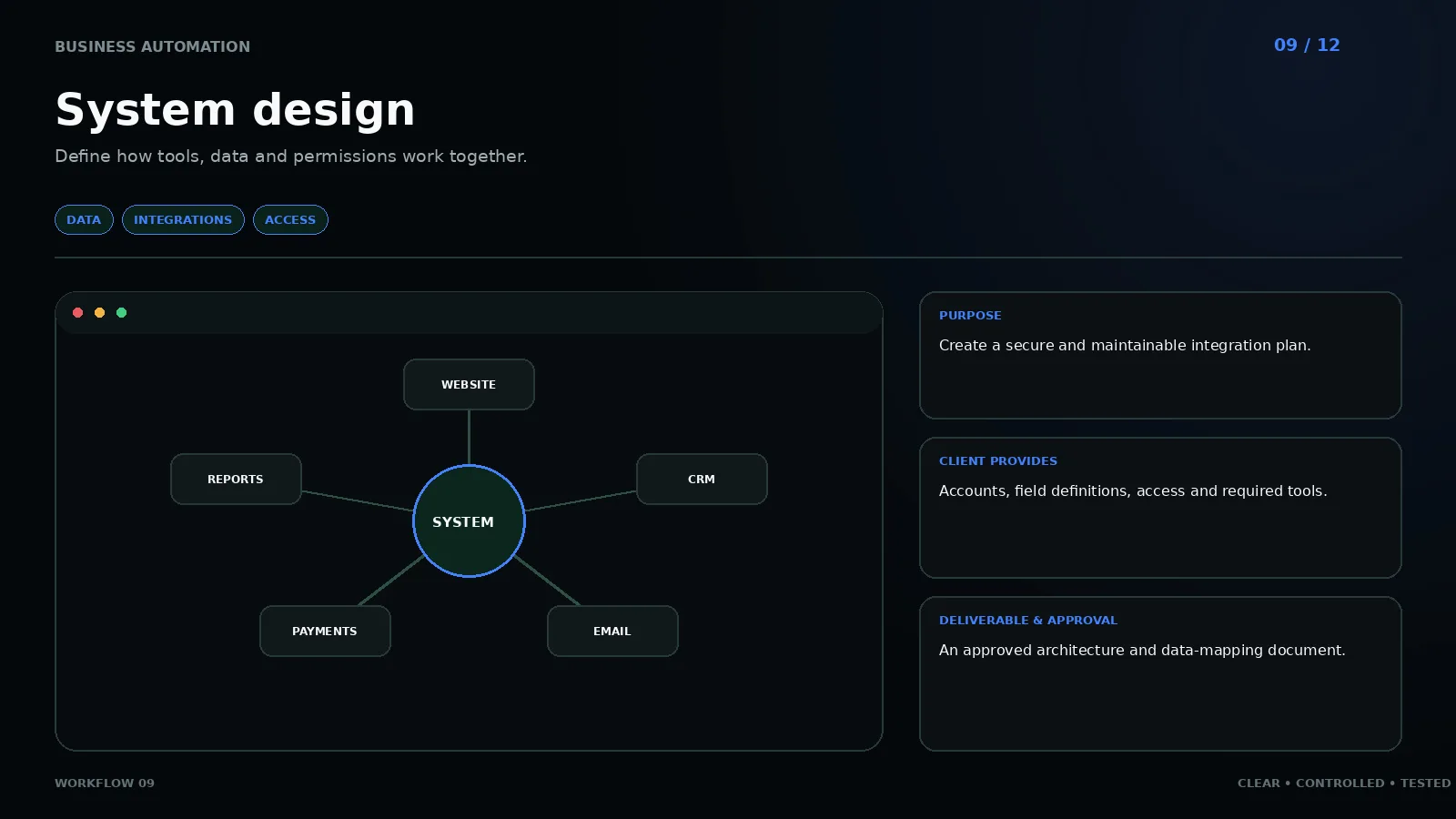
Define how tools, data and permissions work together.
DATA · INTEGRATIONS · ACCESSClick to enlarge ↗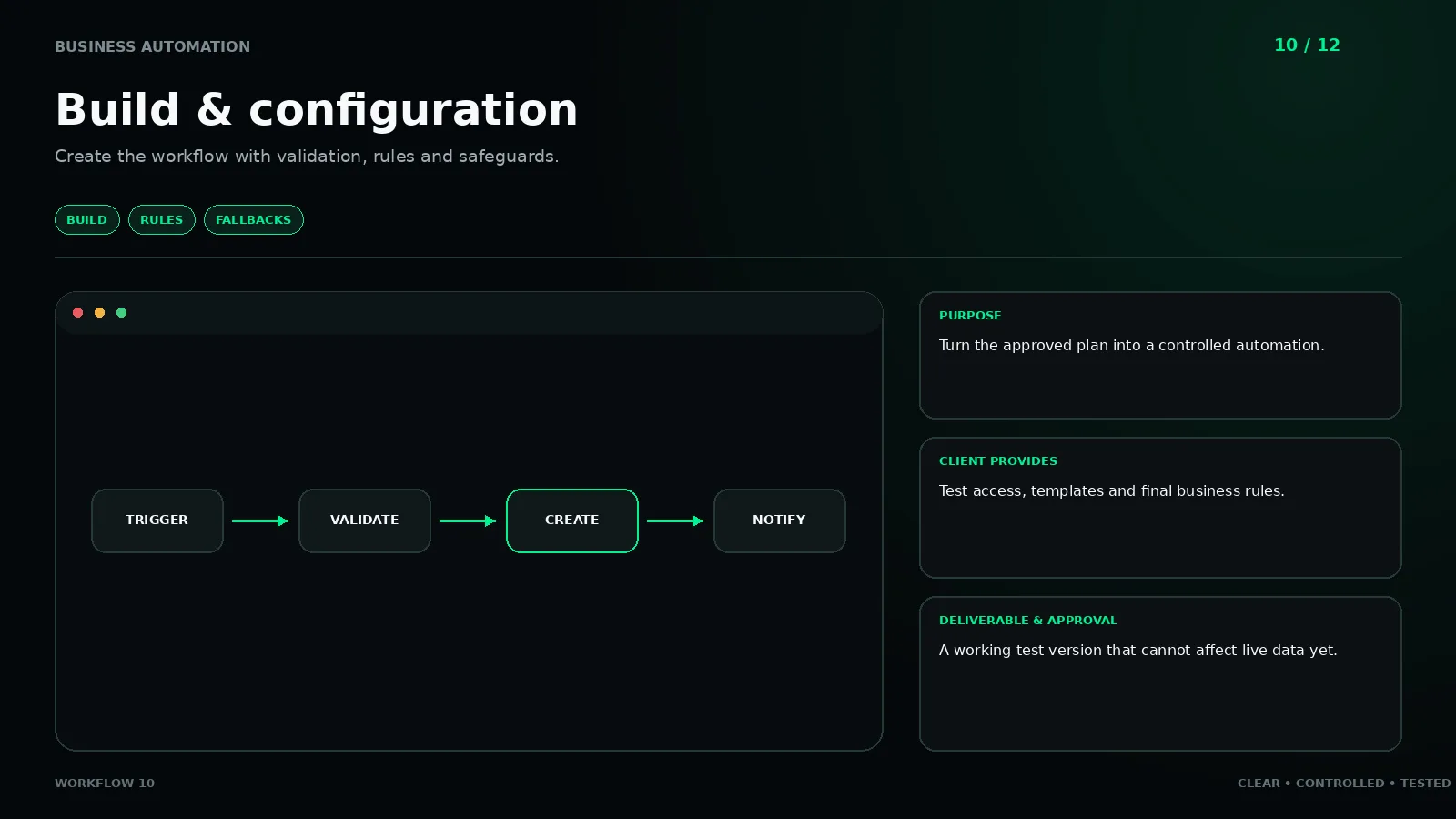
Create the workflow with validation, rules and safeguards.
BUILD · RULES · FALLBACKSClick to enlarge ↗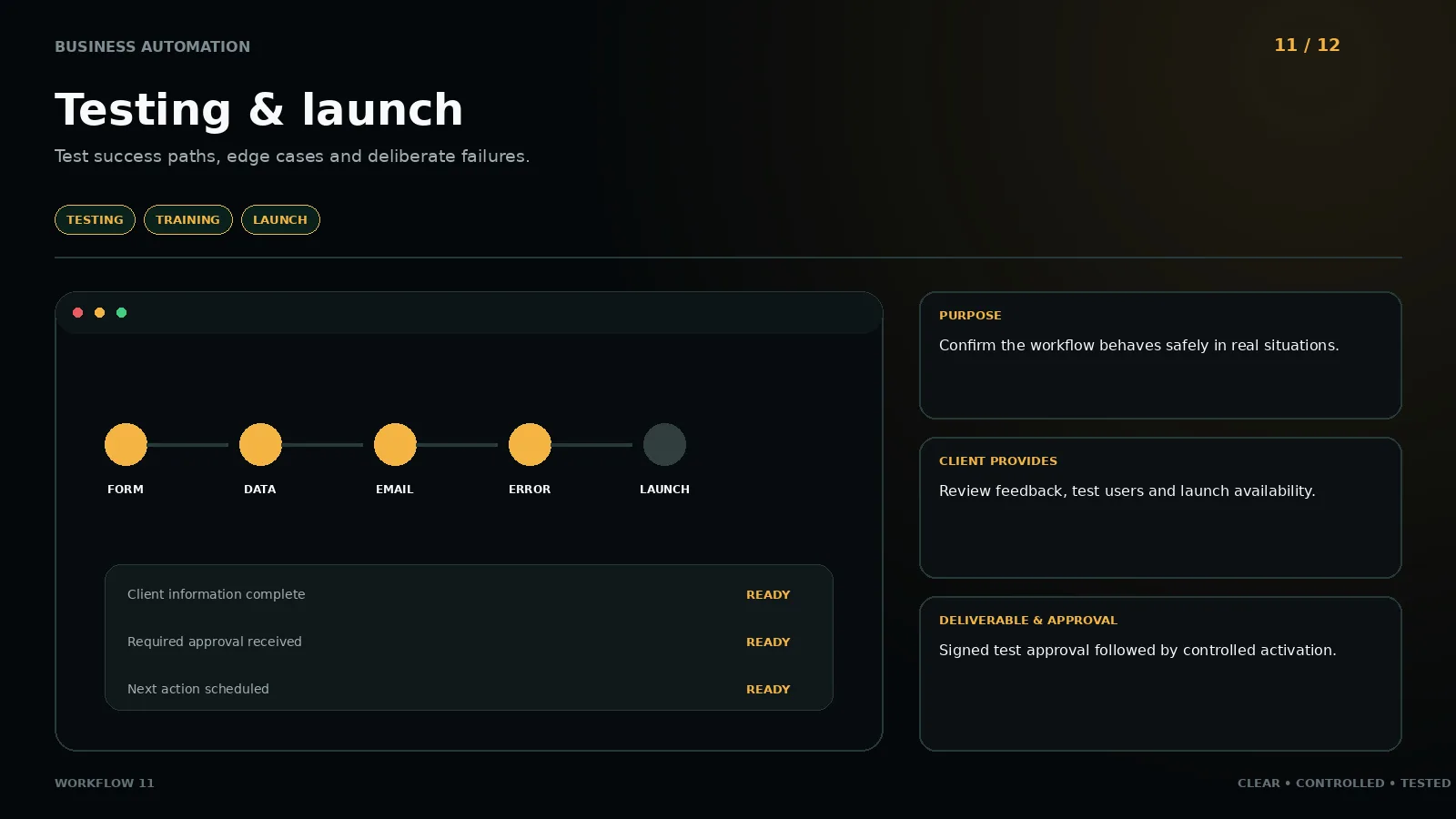
Test success paths, edge cases and deliberate failures.
TESTING · TRAINING · LAUNCHClick to enlarge ↗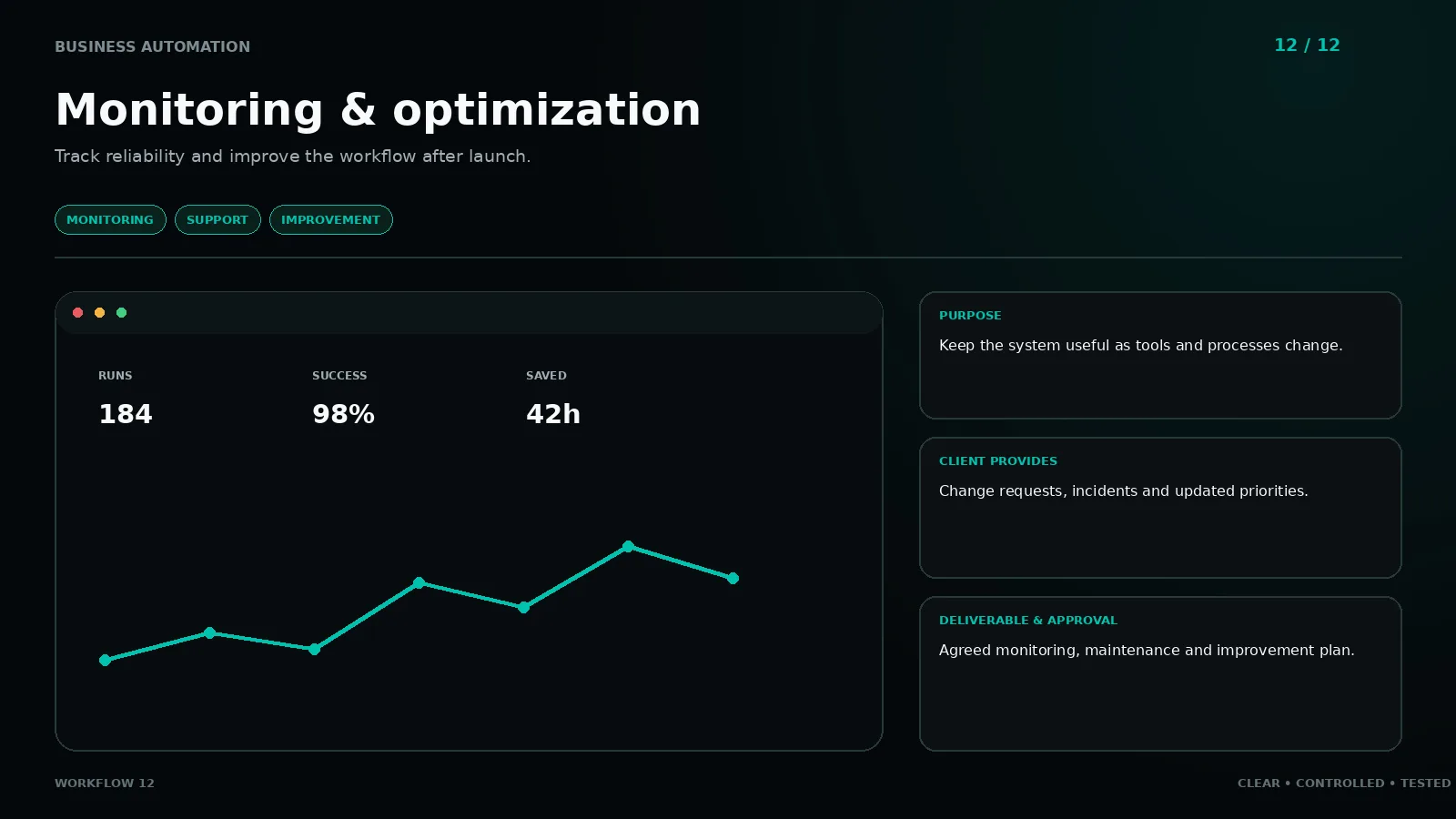
Track reliability and improve the workflow after launch.
MONITORING · SUPPORT · IMPROVEMENTClick to enlarge ↗Ways to start
Start small or scope a complete operations system. Every build receives a clear scope first.
Larger systems are scoped around the real process after review.
The build price above is one-time. Every delivered workflow needs a Vyndexo workspace to run in, billed directly by Vyndexo and separate from our invoice.
Delivered workflows run in your own Vyndexo workspace on the Workspace plan: €69.99 per seat per month (or €671.99 per year), minimum one seat, billed to you directly by Vyndexo. If the subscription is cancelled, the workflows stop running. Full detail on the build programme page.
Partnership
Every workflow we build runs inside Vyndexo — the AI workspace for chat, images, video and agents — built and technically operated by Kroventra, owned and commercially run by our partner Vyndexo. The workshop plan itself stays tool-independent: it recommends Vyndexo where it fits and names another tool where it does not. Live implementation: Visual Engine — 340 reference images, one to eight on-brand images per day, five connected accounts. Your team logs in, sees the automations run, and can take the controls at any time. Team training with Workspace seats included is on the Vyndexo side.
Vyndexo for business →Start with the right problem
We identify the repeated work and practical improvement worth building first.
Request a workflow review